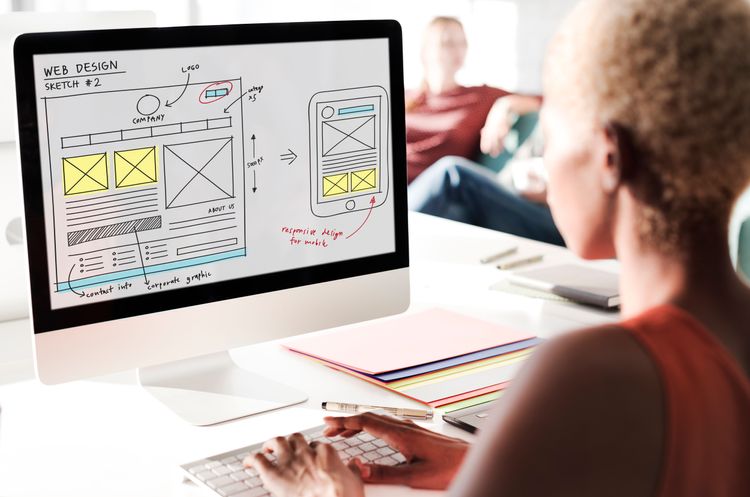
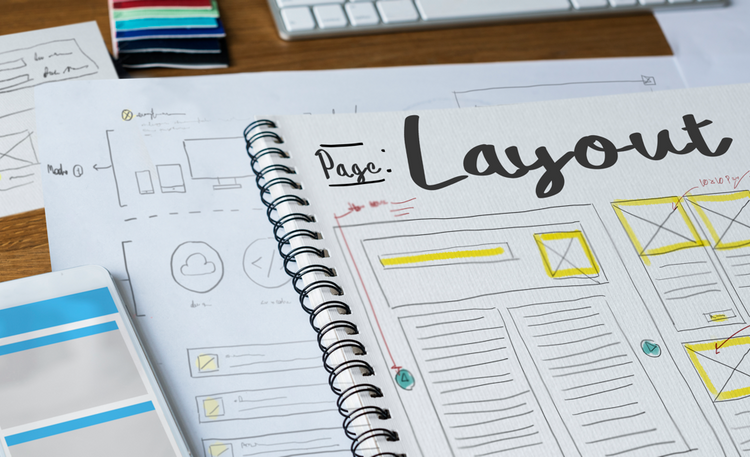
Wireframing forms the backbone of any design process, serving as a visual guide that defines the fundamental structure of a website or application, without getting into the specifics of visual design. Wireframes serve as a guide for designers, developers, and stakeholders. It allows them to gain a transparent understanding of the user interface and user experience (UX/UI design) before they commit significant time and resources to detailed design and development.
In this blog post, we will peel back the layers of wireframing, tracing its evolution from a simple sketch to a pivotal tool in design. Let’s dive in!

What Is a Wireframe?
At its essence, a wireframe is a visual guide that illustrates the fundamental structure of a webpage or application. Much like an architectural blueprint, it strips away aesthetic specifics to focus solely on functionality, content positioning, and user interaction flow.
The ultimate goal of wireframing is to create a functional and intuitive user interface that meets user needs and business objectives. By creating wireframes, designers can iterate and refine the design concept, gather feedback, and make informed decisions early in the design process.
The roots of wireframing can be traced back to the early days of software development. Initially, it was a practice born out of necessity, as developers searched for methods to map out interfaces before delving into code. Over time, wireframing has been refined, transitioning from paper-based sketches to sophisticated digital designs, mirroring the progression of technology itself.
Benefits of Wireframing
The advantages of wireframing stretch far and wide, crystallizing project vision, fostering collaboration, and smoothing the transition from design to development. Here's a more in-depth look at these benefits:
- Clarifying Vision Early On: At the heart of every successful project is a clear, shared vision. Wireframes bring this vision to life early in the design process. By offering a visual representation of the design concept, wireframes help align expectations among stakeholders and designers, providing a tangible reference point for all steps.
- Enhancing Communication: Wireframes aren't just design tools; they're communication tools. They act as a common language between designers, developers, and clients, unifying everyone under the same understanding of the project's direction and requirements. This clarity can help prevent miscommunications and keep the project on track.
- Enabling Iterative Design: Wireframes empower designers to iterate and refine their concepts with ease. They provide a low-risk environment for making adjustments based on user feedback and usability testing, thereby enhancing the product's overall user experience.
- Saving Time and Resources: Spotting and addressing design issues during the wireframing stage can result in considerable time and cost savings down the line. It reduces the need for major design changes during the development phase, which can be costly and time-consuming. By pointing out potential issues early on, wireframes can streamline the entire design and development process.
3 Main Types of Wireframes
The 3 main types of wireframes are:
- low-fidelity wireframes,
- mid-fidelity wireframes, and
- high-fidelity wireframes.
Each type varies in terms of detail, level of interactivity, and the tools used to create them.
1. Low-Fidelity Wireframes
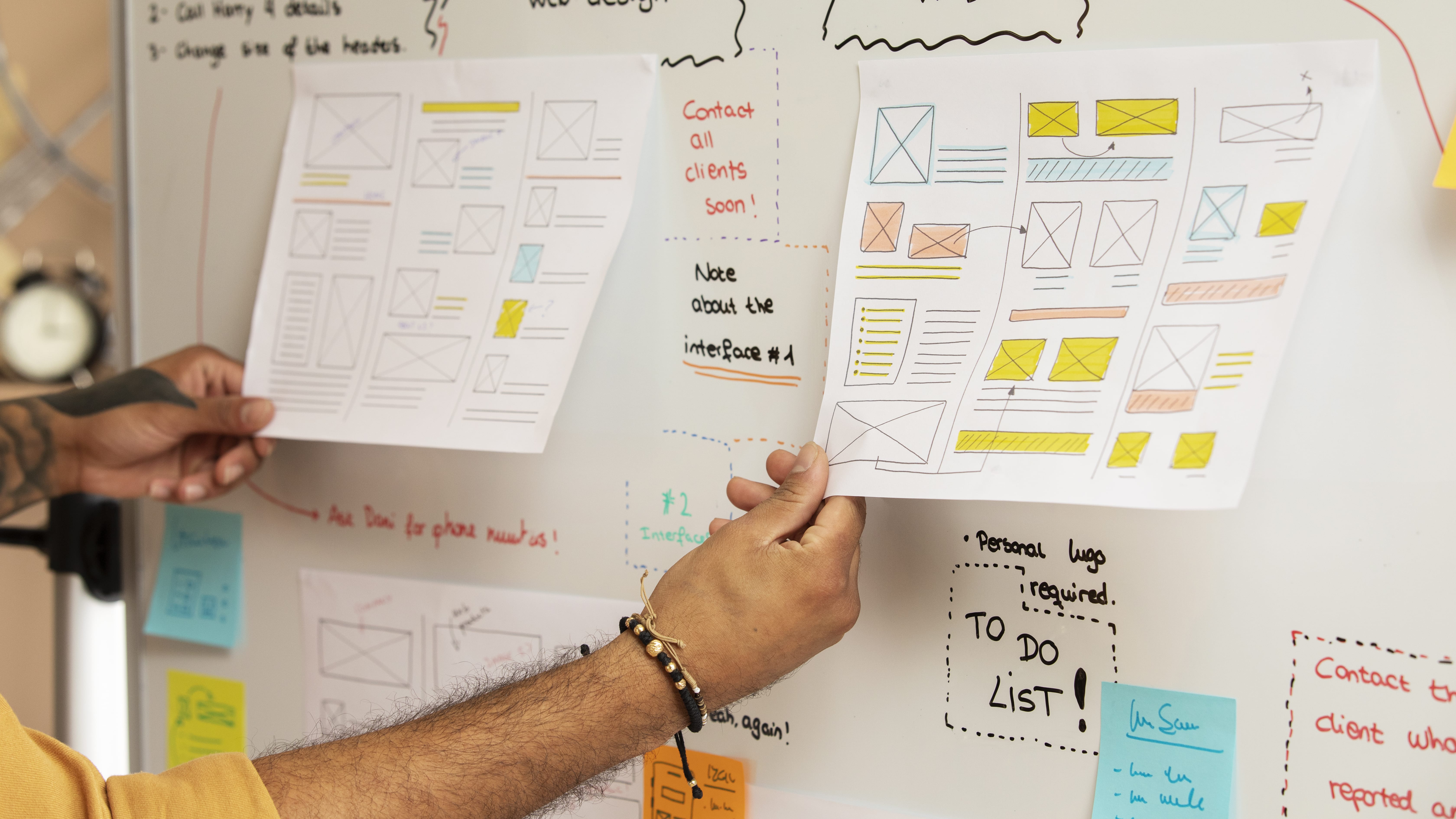
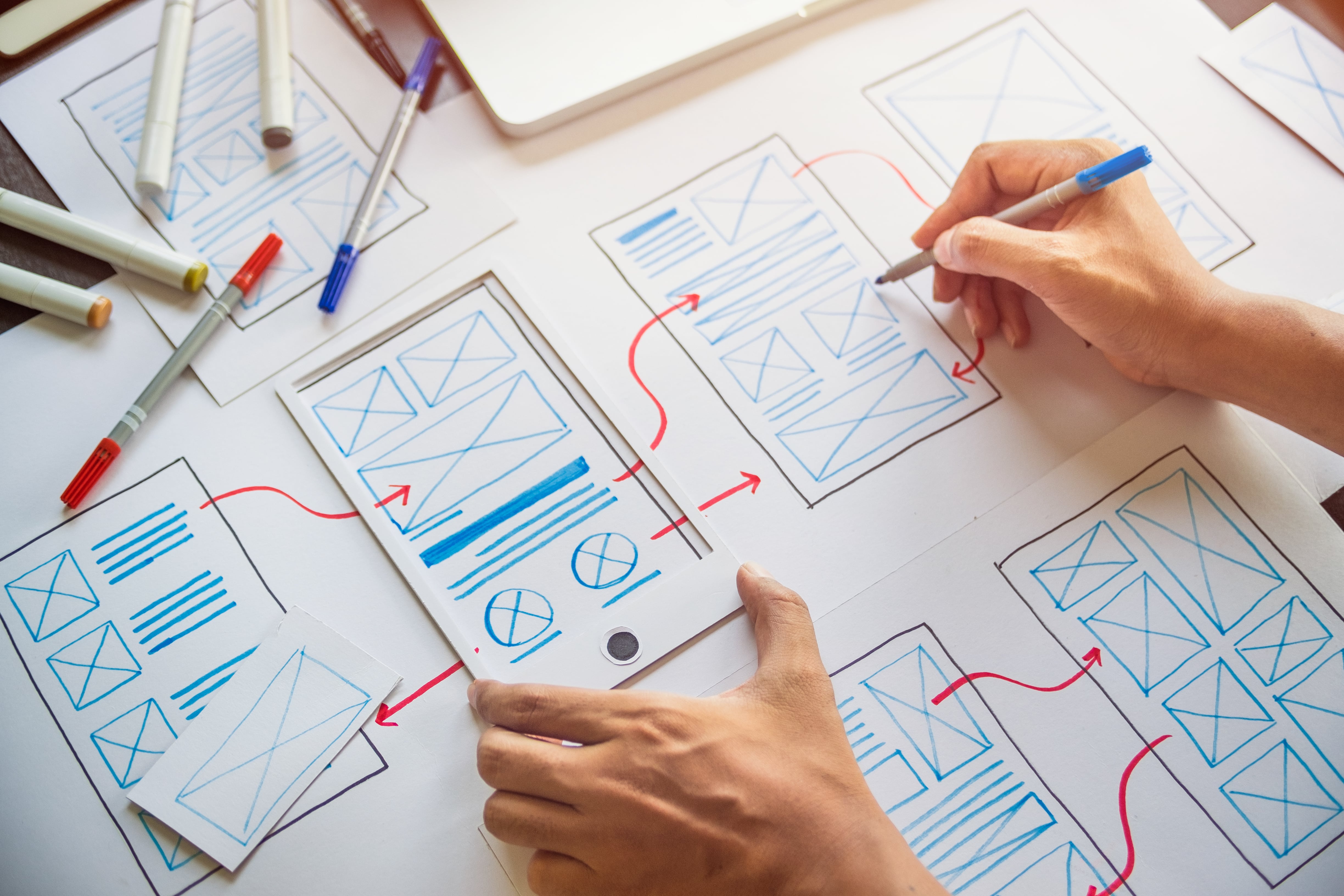
Low-fidelity wireframes are quick and simple sketches often created by hand. They're the most abstract form of a wireframe, providing a bird's-eye view of the product layout without any intricate details. These wireframes focus on the 'big picture' - the main groups of content, the range of functions available, and the relative priority of the information and functions.
The primary purpose of low-fidelity wireframes is to facilitate rapid ideation and brainstorming sessions. They encourage feedback and discussion since they're easy to alter and don't delve into specifics. In essence, they serve as the first, tangible visualisation of abstract ideas.
Low-fidelity wireframes could be as simple as drawings on paper or a whiteboard, providing an overarching view of the product layout. For a more digital approach, tools like Balsamiq mimic the speed and simplicity of sketching but with the added benefit of easier editing and sharing.
2. Mid-Fidelity Wireframes
As we progress to mid-fidelity wireframes, the details start to fill in. Mid-fidelity wireframes strike a balance between low and high-fidelity wireframes. They are more detailed than low-fidelity wireframes but still lack the full detail and functionality of high-fidelity wireframes. They are usually created digitally and start to give a hint at the design's eventual look and feel.
These wireframes provide a more refined layout of the page elements and begin to introduce user interface elements such as buttons, sliders, and icons. They may also include placeholder text to represent actual content. Mid-fidelity wireframes help stakeholders get a better sense of how the product will work, without getting distracted by visual design elements.
These wireframes are usually created digitally. Sketch, known for its user-friendly interface, is a popular tool at this stage. Adobe XD also offers a range of design features suitable for this level of detailing. Alternatively, Figma, a web-based tool, allows real-time collaboration, making it an excellent choice for teams working together on a wireframe.
3. High-Fidelity Wireframes
High-fidelity wireframes are the most detailed type of wireframes. They offer a near-final representation of the user interface, including precise content, images, and interactive elements. High-fidelity wireframes can often look very similar to the final design - minus colors, typography, and other aesthetic features.
They are often used for user testing, as they give test participants a clear idea of how the final product will function. By this stage, the wireframe is less about ideation and more about refinement and perfecting the user experience.
Tools like InVision Studio, Axure RP and Figma come in handy for their powerful design and prototyping capabilities. If you need to incorporate high-fidelity animations and interactions in your wireframes, Framer is an excellent tool to consider.
Key Elements of a Wireframe
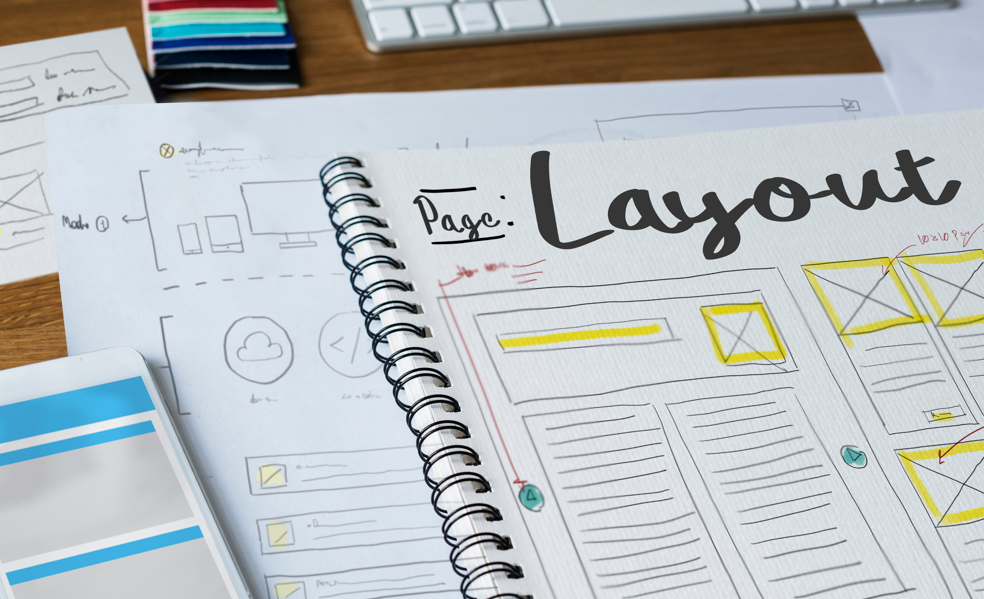
Here's a simplified breakdown of the key elements that make up a wireframe:
- Layout: Think of this as the skeleton of your page or screen. The layout is where you decide on the placement of key components such as headers, content blocks, navigation menus, and footers. This forms the basic structure on which everything else is built.
- Content and Functionality: This is the meat on the bones of your layout. Here, you determine what types of content and functionality will be present on each page or screen. This could be anything from text and images to forms, buttons, and other interactive features.
- Navigation: If layout is the skeleton and content the meat, then navigation is the circulatory system of your digital product. It outlines the user's journey through your interface, showing how they will move between different pages or screens and access various sections or features.
- Interaction and User Flow: This is the product's nervous system - how users will interact with the interface. It includes actions like clicking on buttons, filling in data, or navigating through different states or screens. It's all about ensuring a smooth and intuitive user experience.
Every wireframe is a blend of these key elements, resulting in a clear and comprehensive guide for the design and development of a user-centric digital product.
In addition to the fundamental elements of a wireframe, there are additional elements that can enhance the effectiveness of your wireframe. These elements add depth and complexity to the design, ensuring a more user-friendly and intuitive interface:
- Information Design: This element is all about arranging the information on your page or screen in a way that's easy for users to understand and digest. It's about making sure users can find what they need quickly and efficiently.
- Interface Design: While this overlaps with layout and interaction, it also involves careful considerations about the sizing, positioning, and spacing of elements, ensuring consistency across the design, and highlighting primary actions for easy visibility.
- Usability: Usability is a key aspect of any design process, including wireframing. It involves reducing cognitive load (how much mental effort it takes to use the interface), preventing errors, and ensuring users can complete their tasks with ease.
- Calls to Action (CTAs): CTAs are crucial in guiding users towards taking specific actions. Whether it's "Add to Cart" on an e-commerce site or "Subscribe" on a blog, effective CTAs can significantly improve user engagement.
- Visual Hierarchy: This involves arranging elements strategically to signify their importance. You can create a visual hierarchy through variations in size, color, or positioning, making it easier for users to understand which elements are most important.
Wireframing Stage in Product Design
The wireframing process takes place during the exploratory phase of the product life cycle. During this phase, the designers are testing the scope of the product, collaborating on ideas, and identifying business requirements. A wireframe is usually the initial iteration of a webpage, used as a starting point for the product’s design.
Armed with the valuable insights gathered from the user feedback, designers can build on the next, more detailed iteration of the product’s design - such as the prototype or mockup.
Here is an outline of the stages of product design, for better understanding:
- Research: This is the initial stage where understanding the market, users, and problem space takes place. It involves collecting insights that will inform the design process.
- Ideation: Here, designers and stakeholders brainstorm and generate a wide range of ideas and potential solutions.
- Conceptualisation: In this stage, the focus is on defining the main ideas that emerged from the ideation phase. It's about selecting the best ideas to develop further.
- Wireframing: This is part where basic layouts of product pages are sketched or designed to establish the basic structure before visual elements and content are added.
- Prototyping: After wireframing, designers create prototypes, which are higher-fidelity versions of the product that allow for user interaction. Prototypes range from basic clickable models to fully functional samples of the product.
- User Testing: Prototypes are then tested with real users to gather feedback, which can lead to further iterations in design.
- Design Refinement: Designers refine the product based on feedback. This could involve returning to the wireframing stage or moving on to high-fidelity designs.
- Development: With the design refined, the product moves into the development phase where developers create the actual software.
- Launch: The product is released to the market.
- Post-Launch: After the launch, the product is monitored for performance, issues, and user satisfaction, leading to continuous improvements.
Wireframes vs. Mockups vs. Prototypes
Though often used interchangeably, wireframes, mockups, and prototypes serve distinct purposes:
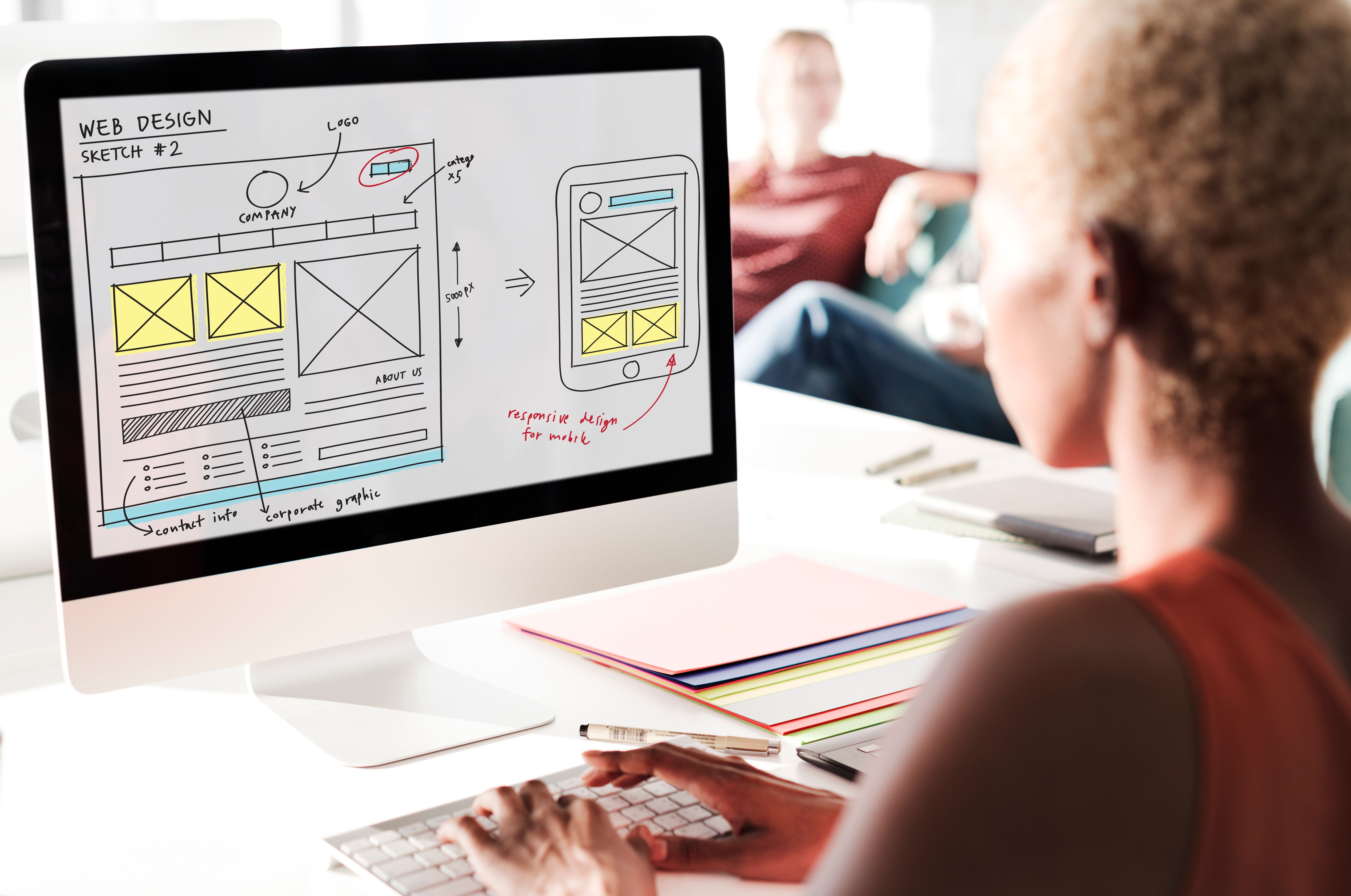
- Wireframes: Define the structure, primarily focusing on the layout and functionality rather than aesthetics.
- Mockups: Once the wireframe structure is in place, designers move to the mockup phase where visual details are added. This includes colors, typography, images, and overall style.
- Prototypes: Prototypes take mockups a step further by adding interactivity. They allow designers to test and tweak navigational and interactive elements before development begins.
Each plays a critical role in the journey from concept to completion, with wireframing as the crucial first step.
Website Wireframes vs. Mobile Wireframes
When creating wireframes, it's important to note that mobile and desktop versions differ significantly.
For mobile apps, screen size dictates a more simplified layout, often limited to one or two columns and a streamlined content display, possibly with infinite scrolling.
User interaction also changes - instead of mouse clicks, mobile users rely on taps, which requires intuitive design to guide them through the app.
Lastly, mobile wireframes must include option for offline modes, allowing users to download content, unlike typical desktop interactions.
Conclusion
Wireframing is an essential step in the design process, enabling designers to create intuitive and user-centered interfaces. By providing a visual representation of the structure and functionality, wireframes facilitate collaboration, improve efficiency, and ultimately contribute to the development of successful digital products.
And there you have it - a comprehensive guide that should serve both as an introduction for those new to wireframing and as a detailed reference for those looking to deepen their understanding of this crucial design process. In the spirit of continuous improvement and adaptability, we encourage you to embrace the wireframing process as a pivotal part of your design journey. Remember, every great design begins with a single line, and every line is a path to innovation.
Let's Bring Your Ideas to Life
If you're looking to get started on wireframing or want to refine your current process, reach out to us at Cogify. We understand that the journey from idea to implementation can be complex - that's why we offer wireframing services tailored to your unique project needs.
Our team is ready to bring clarity and direction to your digital projects, ensuring every screen, every button, and every user interaction is purposefully designed for success. Contact Us Today to discuss your wireframing needs and learn more about how we can support your project from its earliest stages to final execution and beyond.